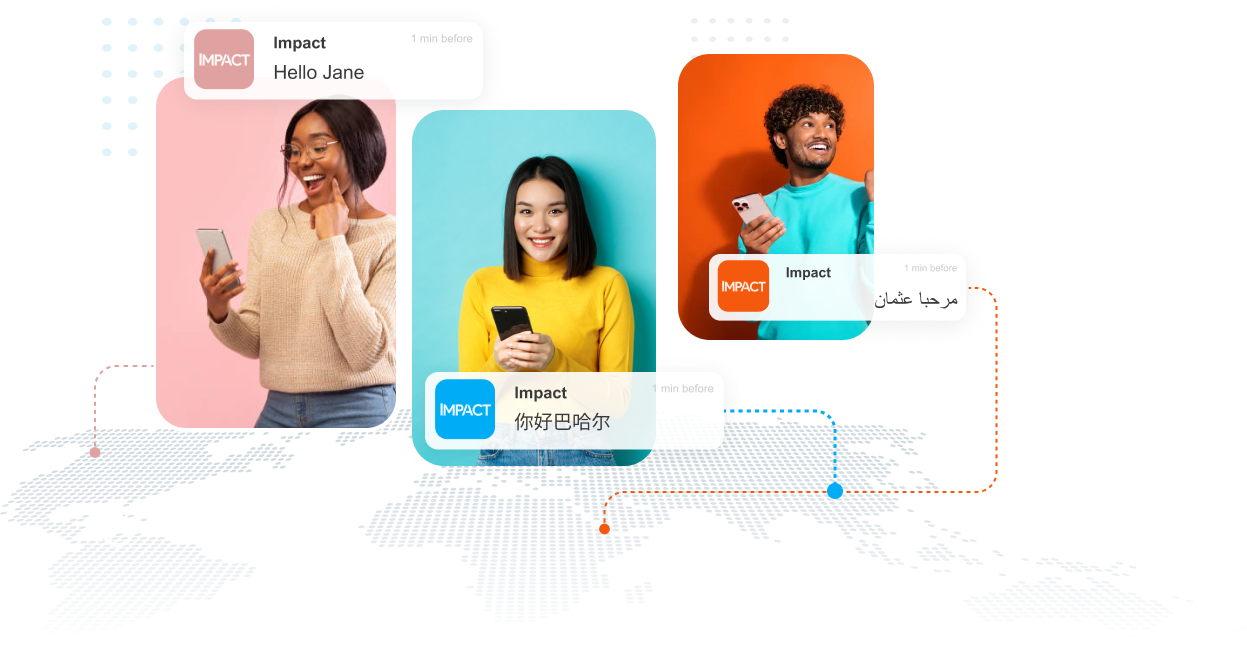
Mobile Push

Mobile Push is for delivering instant, personalized messages on mobile devices. Use it to engage users with announcements, highlight promotions, send transactional alerts, and trigger behavior-based nudges that drive retention, conversions, and in-app activity. Campaigns can be targeted, timed, and measured with rich notification formats including text, image/video, carousel/slider, and product recommendations.

circle-info

Want to send your first push? Start here: Create Mobile Push.

Start here (most-used topics)

Quickstart: send a push campaign

1

1) Pick the goal and format

Text for speed. Media for engagement. Carousel/slider for multiple items.

Use Android-only formats only when the audience is Android-heavy.

2

2) Build the campaign

Follow the guided flow: Setup → What → Who → When → GO.

3

3) Add targeting and guardrails

Use segments/tags.

Use message limits and expiry to avoid spam and stale pushes.

4

4) Test and send

Send a test to your device.

Then launch to your target audience.

5

5) Measure results

Use campaign reports for delivery/open/conversion.

Use Event Insight for behavioral follow-through.

Notification formats

Types of Push Notifications

Picking a format (fast rule of thumb)

  • If the push must be read in 2 seconds → Text

  • If the push must sell visually → Image/Video

  • If you need choice inside the push → Carousel/Slider

  • If you’re sending product recs to Android users → Product Discovery

Notification
Strengths
Weaknesses
Platform

Text

Fast and clear.

Low visual impact.

Mobile

Image

Higher attention with rich media.

Less room for details.

Mobile

Banner

Prominent layout.

Android only. Can feel intrusive.

Android

Carousel

Multiple items in one push.

Can overwhelm if overstuffed.

Mobile

Slider

Good for browsing items.

Not ideal for every use case.

Mobile

Product Discovery

Product cards + CTA.

Android only.

Android

Last updated

Was this helpful?