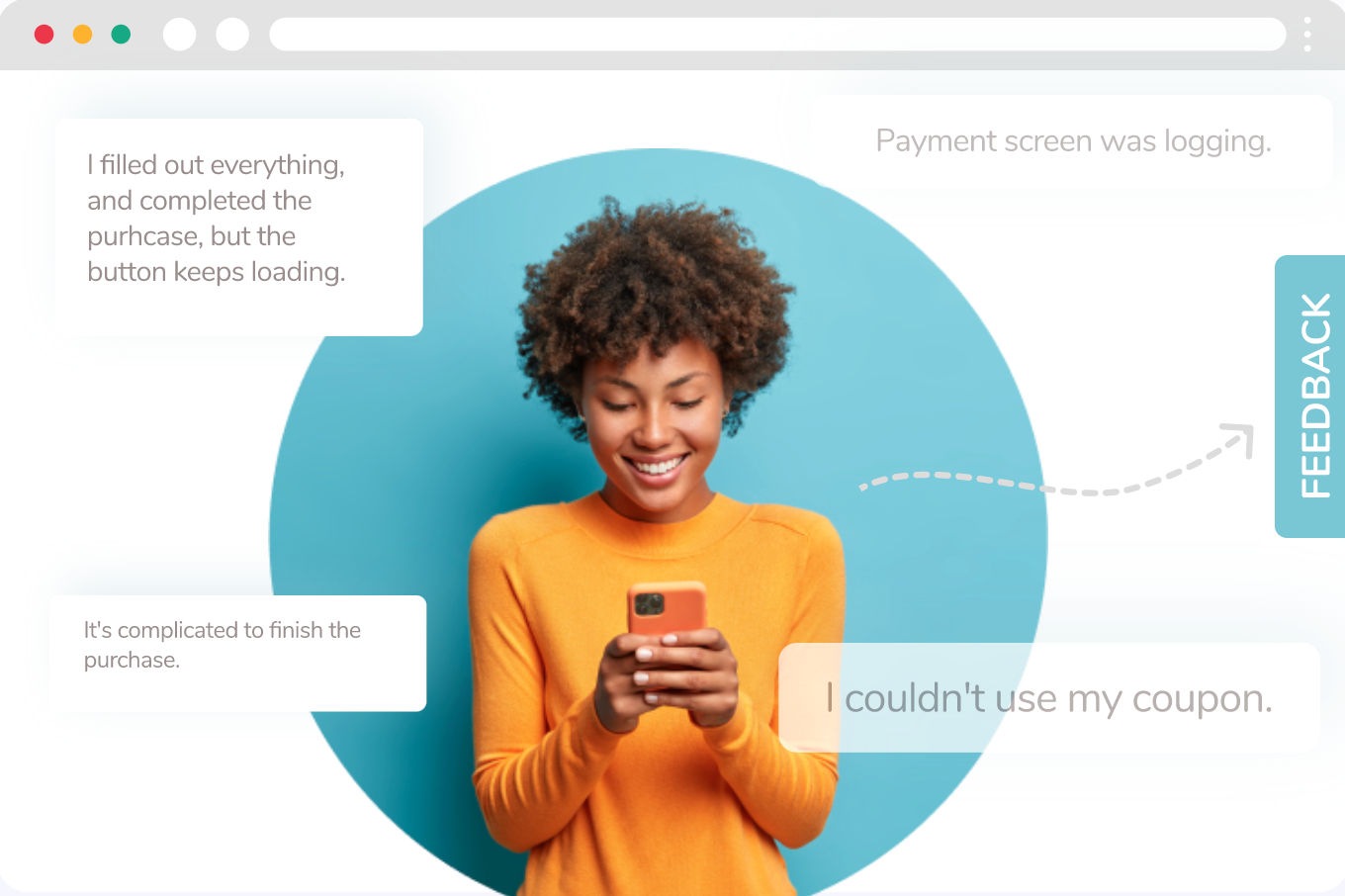
Feedback Button

Feedback Button is a web widget that collects user feedback without interrupting the page experience. Use it to capture bugs, uncover UX friction, and gather quick sentiment on key pages. Configure triggers, target audiences, and customize the appearance, then preview and publish, all without touching the codebase.

Start here (most-used topics)

Quickstart: launch a Feedback Button

1

1) Design the feedback widget

Start from a template or a blank widget.

Keep the first version simple (1–3 fields).

2

2) Customize the button appearance

Match your site styling.

Test on both desktop and mobile previews.

3

3) Target the right users

Common targeting:

  • product pages only

  • users who spent 30+ seconds

  • users who scrolled 50%+

4

4) Choose trigger rules

Use triggers like scroll, exit intent, page view, or Netmera event.

5

5) Preview and publish

Preview placement, then publish.

Archive old versions instead of editing live ones.

Measuring results

Use widget events to understand adoption:

  • Widget Shown Web → impressions

  • Widget Action Web → click/interaction

Start with Analyze (Web Widgets).

Use Event Insight when you need breakdowns by:

  • time

  • browser/device

  • segment/tag

Last updated

Was this helpful?