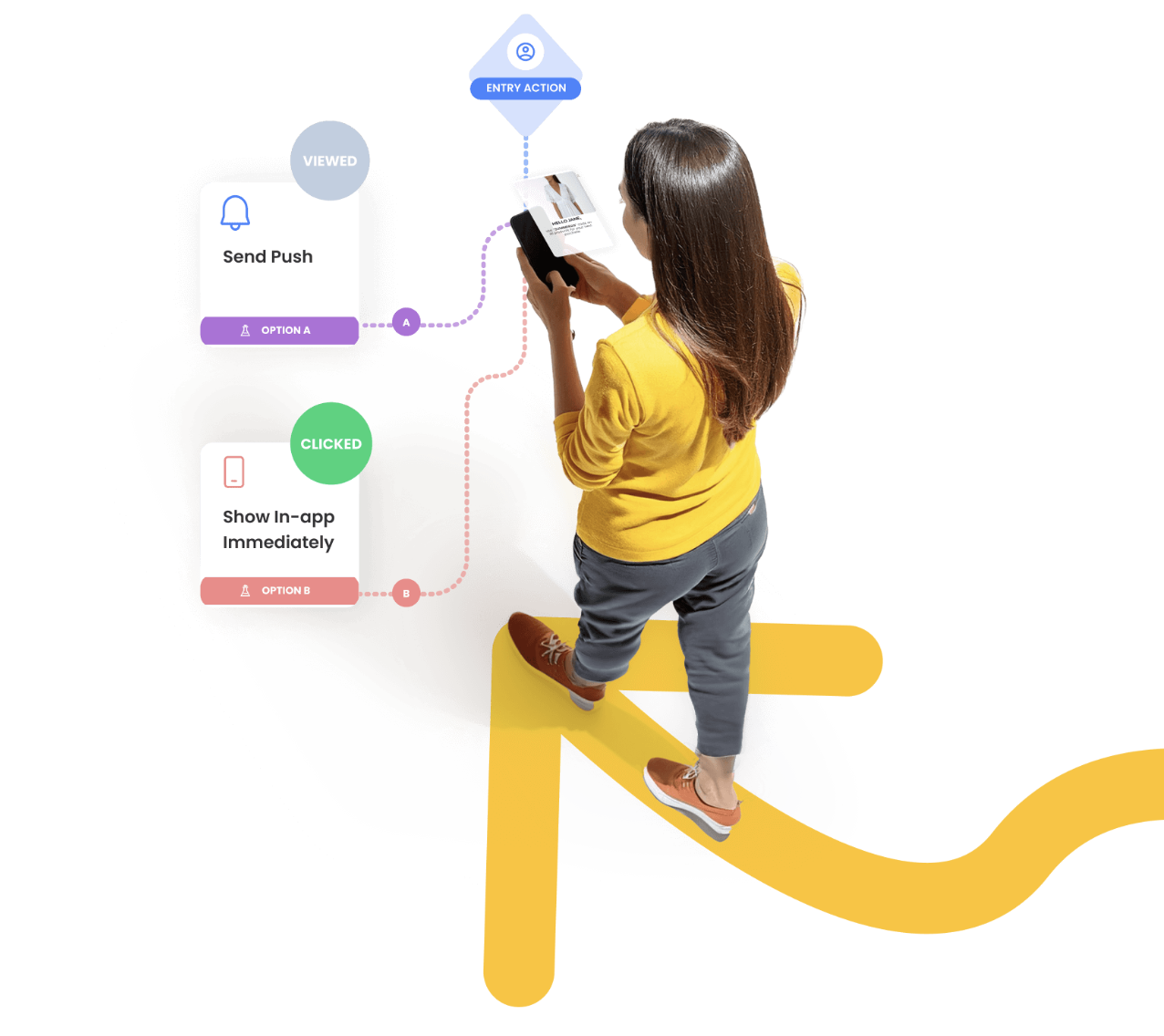
# Journey Orchestration

Journey is a multi-step workflow that reacts to time and user behavior. Use it to guide users through onboarding, post-purchase follow-ups, cart abandonment, or reactivation flows with timed actions and branching logic. Define entry rules, audiences, and conversion events, then monitor engagement and conversions to optimize each step.

{% hint style="info" %}
This page is the overview. Use the cards below for the actual setup steps.
{% endhint %}

Need help managing existing drafts and live journeys? See [Journey List and Actions](https://user.netmera.com/netmera-user-guide/omnichannel-engagement/journey-orchestration/journey-list-and-actions).

<figure><img src="https://1642824329-files.gitbook.io/~/files/v0/b/gitbook-x-prod.appspot.com/o/spaces%2FX6uilbEAw42gqsudlclY%2Fuploads%2FJ7J6kibTgVjI2muHrUTo%2FScreenshot%202026-01-23%20at%2011.20.37.png?alt=media&#x26;token=741734ba-b3bd-44a5-ae32-465c2567ba24" alt="" width="563"><figcaption></figcaption></figure>

<table data-view="cards"><thead><tr><th>Journey creation flow</th><th data-card-target data-type="content-ref">Open</th></tr></thead><tbody><tr><td>Step 1: Setup (name, conversion event, trigger filters)</td><td><a href="journey-orchestration/setup">setup</a></td></tr><tr><td>Step 2: Entry Rules (time-based vs action-based)</td><td><a href="journey-orchestration/entry-rules">entry-rules</a></td></tr><tr><td>Step 3: Audience (who is eligible)</td><td><a href="journey-orchestration/audience">audience</a></td></tr><tr><td>Step 4: Build (design the flow)</td><td><a href="journey-orchestration/build-journey">build-journey</a></td></tr><tr><td>Step 5: Launch (start, schedule, stop)</td><td><a href="journey-orchestration/launch">launch</a></td></tr><tr><td>Measure results and optimize</td><td><a href="journey-orchestration/journey-analytics">journey-analytics</a></td></tr></tbody></table>

### When to use a journey

Use a journey when timing and branching matter.

Common patterns:

* Onboarding sequences
* Cart abandonment and browse abandonment
* Post-purchase follow-ups
* Reactivation when users go inactive

### Key concepts (fast)

* **Entry rule**: When a user can enter (time-based or action-based).
* **Eligibility**: How often a user can re-enter (once, lock duration, capping).
* **Audience**: Who can enter (segments, tags, profile filters).
* **Conversion event**: What “success” means for the journey.
* **Correlation** (optional): A key that ties events to one journey instance.

### Quickstart: build a working journey

{% stepper %}
{% step %}

#### 1) Decide the goal and the success signal

Pick a conversion event if you will measure lift.

You can’t change it after launch.
{% endstep %}

{% step %}

#### 2) Choose an entry rule

Use **time-based** for schedules.

Use **action-based** for event-triggered flows.
{% endstep %}

{% step %}

#### 3) Define the audience

Start with a narrow segment.

Expand once you trust the logic.
{% endstep %}

{% step %}

#### 4) Build the flow

Add steps using core components.

Use branches for “did/did not” and attribute-based splits.
{% endstep %}

{% step %}

#### 5) Launch and monitor

Launch once the entry rule and conversion event are final.

Use analytics to validate volume, drop-offs, and conversions.
{% endstep %}
{% endstepper %}

### Components reference

<figure><img src="https://1642824329-files.gitbook.io/~/files/v0/b/gitbook-x-prod.appspot.com/o/spaces%2FX6uilbEAw42gqsudlclY%2Fuploads%2FWafbGkgB5tk1Je9IPVrJ%2Fimage.png?alt=media&#x26;token=dbfb6401-40b1-420b-a708-8ffeebeb9ae9" alt="" width="563"><figcaption></figcaption></figure>

<table data-view="cards"><thead><tr><th>Core building blocks</th><th data-card-target data-type="content-ref">Open</th></tr></thead><tbody><tr><td>All journey components overview</td><td><a href="journey-orchestration/build-journey/journey-components">journey-components</a></td></tr><tr><td>State (timing and holding users)</td><td><a href="journey-orchestration/build-journey/journey-components/state">state</a></td></tr><tr><td>Branch (split users based on rules)</td><td><a href="journey-orchestration/build-journey/journey-components/branch">branch</a></td></tr><tr><td>Action (send messages, update context)</td><td><a href="journey-orchestration/build-journey/journey-components/action">action</a></td></tr></tbody></table>

### Examples and how-to videos

<table data-view="cards"><thead><tr><th>Learn by copying</th><th data-card-target data-type="content-ref">Open</th></tr></thead><tbody><tr><td>End-to-end journey patterns</td><td><a href="journey-orchestration/journey-examples">journey-examples</a></td></tr><tr><td>Walkthrough videos (step-by-step)</td><td><a href="journey-orchestration/customer-journey-how-to-videos">customer-journey-how-to-videos</a></td></tr><tr><td>Handbook: Customer Journeys From First Touch To Loyal Advocate</td><td><a href="https://netmera.com/omnichannel-customer-journeys/">https://netmera.com/omnichannel-customer-journeys/</a></td></tr></tbody></table>

### Related prerequisites

* Events and tracking: [Events](https://user.netmera.com/netmera-user-guide/customer-data/events)
* Segmentation: [Segments](https://user.netmera.com/netmera-user-guide/targeting/segments)
