> For the complete documentation index, see [llms.txt](https://user.netmera.com/netmera-user-guide/llms.txt). Markdown versions of documentation pages are available by appending `.md` to page URLs; this page is available as [Markdown](https://user.netmera.com/netmera-user-guide/netmera-user-guide-tr/cok-kanalli-etkilesim/yolculuk-orkestrasyonu.md).

# Yolculuk orkestrasyonu

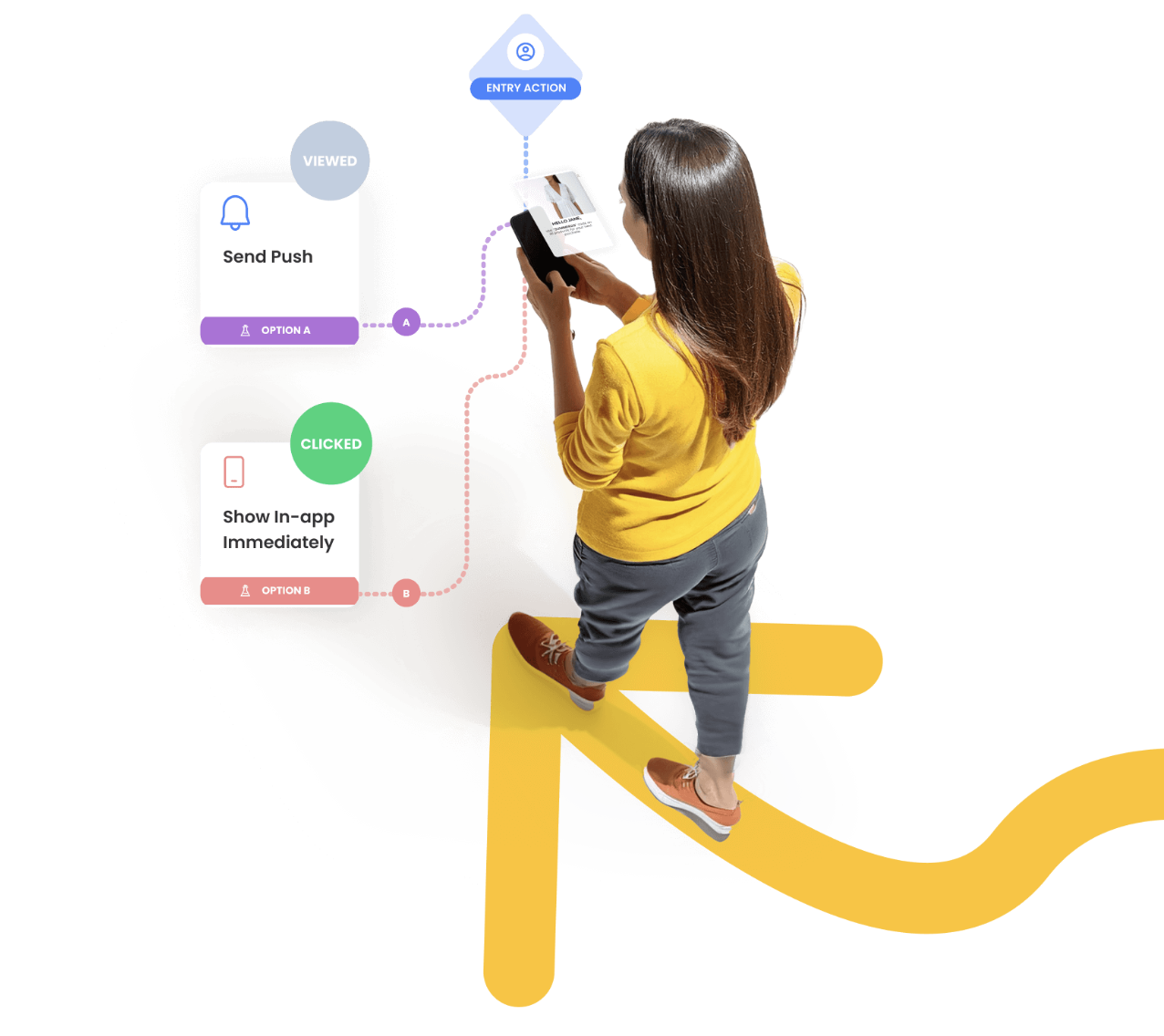
Journey, zamana ve kullanıcı davranışına tepki veren çok adımlı bir iş akışıdır. Bunu, zamanlanmış aksiyonlar ve dallanma mantığıyla kullanıcıları onboarding, satın alma sonrası takipler, sepette terk etme veya yeniden etkileştirme akışları boyunca yönlendirmek için kullanın. Giriş kuralları, kitleler ve dönüşüm etkinlikleri tanımlayın; ardından her adımı değerlendirmek için etkileşimi ve dönüşümleri izleyin.

{% hint style="info" %}
Bu sayfa genel bakıştır. Asıl kurulum adımları için aşağıdaki kartları kullanın.
{% endhint %}

Mevcut taslakları ve canlı Journey'leri yönetmek için yardıma mı ihtiyacınız var? Journey Listesi ve Aksiyonlar bölümüne bakın.

<figure><img src="https://1642824329-files.gitbook.io/~/files/v0/b/gitbook-x-prod.appspot.com/o/spaces%2FX6uilbEAw42gqsudlclY%2Fuploads%2FJ7J6kibTgVjI2muHrUTo%2FScreenshot%202026-01-23%20at%2011.20.37.png?alt=media&#x26;token=741734ba-b3bd-44a5-ae32-465c2567ba24" alt="" width="563"><figcaption></figcaption></figure>

<table data-view="cards"><thead><tr><th>Journey oluşturma akışı</th><th data-card-target data-type="content-ref">Aç</th></tr></thead><tbody><tr><td>1. Adım: Kurulum (ad, dönüşüm etkinliği, tetikleyici filtreleri)</td><td><a href="/netmera-user-guide/netmera-user-guide-tr/cok-kanalli-etkilesim/yolculuk-orkestrasyonu/kurulum.md">Kurulum</a></td></tr><tr><td>2. Adım: Giriş Kuralları (zamana dayalı vs aksiyona dayalı)</td><td><a href="/netmera-user-guide/netmera-user-guide-tr/cok-kanalli-etkilesim/yolculuk-orkestrasyonu/giris-kurallari.md">Giriş kuralları</a></td></tr><tr><td>3. Adım: Kitle (kimler uygun)</td><td><a href="/netmera-user-guide/netmera-user-guide-tr/cok-kanalli-etkilesim/yolculuk-orkestrasyonu/hedef-kitle.md">Hedef kitle</a></td></tr><tr><td>4. Adım: Oluşturma (akışı tasarlayın)</td><td><a href="/netmera-user-guide/netmera-user-guide-tr/cok-kanalli-etkilesim/yolculuk-orkestrasyonu/yolculuk-olusturma.md">Yolculuk oluşturma</a></td></tr><tr><td>5. Adım: Yayınlama (başlat, zamanla, durdur)</td><td><a href="/netmera-user-guide/netmera-user-guide-tr/cok-kanalli-etkilesim/yolculuk-orkestrasyonu/yayinlama.md">Yayınlama</a></td></tr><tr><td>Sonuçları ölçün ve performansı değerlendirin</td><td><a href="/netmera-user-guide/netmera-user-guide-tr/cok-kanalli-etkilesim/yolculuk-orkestrasyonu/yolculuk-analitigi.md">Yolculuk analitiği</a></td></tr><tr><td>Journey'deki dönüşümler</td><td><a href="/netmera-user-guide/netmera-user-guide-tr/cok-kanalli-etkilesim/yolculuk-orkestrasyonu/yolculuk-icindeki-donusumler.md">Yolculuk içindeki dönüşümler</a></td></tr></tbody></table>

### Journey bileşenleri

<figure><img src="https://1642824329-files.gitbook.io/~/files/v0/b/gitbook-x-prod.appspot.com/o/spaces%2FX6uilbEAw42gqsudlclY%2Fuploads%2FWafbGkgB5tk1Je9IPVrJ%2Fimage.png?alt=media&#x26;token=dbfb6401-40b1-420b-a708-8ffeebeb9ae9" alt="" width="563"><figcaption></figcaption></figure>

<table data-view="cards"><thead><tr><th>Temel yapı taşları</th><th data-card-target data-type="content-ref">Aç</th></tr></thead><tbody><tr><td>Tüm Journey bileşenlerine genel bakış</td><td><a href="/netmera-user-guide/netmera-user-guide-tr/cok-kanalli-etkilesim/yolculuk-orkestrasyonu/yolculuk-bilesenleri.md">Yolculuk bileşenleri</a></td></tr><tr><td>Durum (zamanlama ve kullanıcıları bekletme)</td><td><a href="/netmera-user-guide/netmera-user-guide-tr/cok-kanalli-etkilesim/yolculuk-orkestrasyonu/yolculuk-bilesenleri/durum.md">Durum</a></td></tr><tr><td>Dal (kullanıcıları kurallara göre ayırma)</td><td><a href="/netmera-user-guide/netmera-user-guide-tr/cok-kanalli-etkilesim/yolculuk-orkestrasyonu/yolculuk-bilesenleri/dal.md">Dal</a></td></tr><tr><td>Aksiyon (mesaj gönderme, bağlamı güncelleme)</td><td><a href="/netmera-user-guide/netmera-user-guide-tr/cok-kanalli-etkilesim/yolculuk-orkestrasyonu/yolculuk-bilesenleri/islem.md">İşlem</a></td></tr></tbody></table>

### Örnekler ve nasıl yapılır videoları

<table data-view="cards"><thead><tr><th>Örnekler ve adım adım anlatımlar</th><th data-card-target data-type="content-ref">Aç</th></tr></thead><tbody><tr><td>Uçtan uca Journey örüntüleri</td><td><a href="/netmera-user-guide/netmera-user-guide-tr/cok-kanalli-etkilesim/yolculuk-orkestrasyonu/yolculuk-ornekleri.md">Yolculuk örnekleri</a></td></tr><tr><td>Anlatım videoları (adım adım)</td><td><a href="/netmera-user-guide/netmera-user-guide-tr/cok-kanalli-etkilesim/yolculuk-orkestrasyonu/musteri-yolculugu-nasil-yapilir-videolari.md">Müşteri yolculuğu nasıl yapılır videoları</a></td></tr><tr><td>El kitabı: İlk Temastan Sadık Savunucuya Müşteri Journey'leri</td><td><a href="https://netmera.com/omnichannel-customer-journeys/">https://netmera.com/omnichannel-customer-journeys/</a></td></tr></tbody></table>


---

# Agent Instructions
This documentation is published with GitBook. GitBook is the documentation platform designed so that both humans and AI agents can read, navigate, and reason over technical content effectively. Learn more at gitbook.com.

## Querying This Documentation
If you need additional information that is not directly available in this page, you can query the documentation dynamically by asking a question.

Perform an HTTP GET request on the current page URL with the `ask` query parameter, and the optional `goal` query parameter:

```
GET https://user.netmera.com/netmera-user-guide/netmera-user-guide-tr/cok-kanalli-etkilesim/yolculuk-orkestrasyonu.md?ask=<question>&goal=<endgoal>
```

`ask` is the immediate question: it should be specific, self-contained, and written in natural language.
`goal` is optional and describes the broader end goal you are ultimately trying to accomplish on behalf of the user. GitBook uses it to tailor the answer towards what is most useful for that goal.

The response will contain a direct answer to the question and relevant excerpts and sources from the documentation.

Use this mechanism when the answer is not explicitly present in the current page, you need clarification or additional context, or you want to retrieve related documentation sections.
