Optimove

The Optimove Connector integrates Netmera with the Optimove Customer Data Platform (CDP) and marketing automation system. This integration allows for sophisticated cross-channel customer journey orchestration where audience selection and decision-making are managed by Optimove, while personalized, high-volume message delivery is handled by Netmera.

Overview

Attribute
Details

Connector Name

Optimove

Category

Marketing Platforms / Customer Data Platform (CDP)

Primary Function

Campaign Event Listening (Inbound) and Attribute Synchronization (Outbound)

Data Flow

Bidirectional (Inbound for triggers, Outbound for profile updates)

Netmera Component

OptimoveEventController (API-REST) and OptimoveHookSender (Hook Module)

Connection Type

REST API

The integration enables Netmera to act as a Real-Time Execution Channel for Optimove's campaigns, ensuring personalized messaging is delivered through Netmera's high-throughput Push, Email, and SMS adapters.

Use Cases and Benefits

  1. Multi-Channel Campaign Orchestration (Inbound Triggering): Optimove manages the entire customer journey, defining who gets what and when. When a campaign is processed for a specific user within Optimove, it sends a trigger event to Netmera, initiating the message delivery (Push, SMS, or Email) via Netmera's dedicated messaging system.

  2. Customer Data Platform (CDP) Synchronization (Outbound Profile Updates): Netmera's Hook Module can be configured to send user attribute updates (e.g., changes in RFM score, loyalty status, or behavioral events) back to Optimove. This ensures the Optimove user profile remains current with the latest data gathered by Netmera.

  3. Real-Time Campaign Execution: The integration supports processing events from Optimove for real-time channels, allowing for swift responses to customer actions or changes in their state.

  4. Template and Channel Management: The configuration allows for the defined channels and templates within Optimove to be synchronized and mapped to the corresponding Netmera messages, streamlining content management across both platforms.

Data Flow

The Optimove integration utilizes a robust Bidirectional data flow, crucial for two-way campaign and data synchronization:

A. Inbound Flow (Optimove > Netmera: Campaign Triggers)

This is the primary flow, where Optimove initiates the action in Netmera.

  • Mechanism: Optimove sends campaign events (indicating a message should be sent) directly to a dedicated Netmera REST API endpoint.

  • Netmera Endpoint: POST /optimove/event/{appKey}

  • Trigger Types: Events are received when a campaign is processed for a specific channel, when a real-time channel is processed, or when a campaign is cancelled.

  • Action in Netmera: The received event triggers Netmera's messaging logic, using the campaign/message ID provided by Optimove to execute the actual push, email, or SMS delivery to the target user.

B. Outbound Flow (Netmera > Optimove: Profile Updates)

This flow utilizes Netmera's Hook Module to stream real-time events and profile changes from Netmera back to the Optimove CDP.

  • Mechanism: A Netmera Hook is configured with the OPTIMOVE Hook Type. When the defined event (e.g., PURCHASE_COMPLETE or PROFILE_ATTRIBUTE_CHANGE) occurs in Netmera, the hook sender is activated.

  • Hook Sender: The OptimoveHookSender transforms the Netmera event payload into the required Optimove JSON format, including parameters like CustomerID and RealFieldName.

  • Purpose: Updates customer attributes and segmentation data in Optimove based on actions observed by Netmera.

Configuration Reference

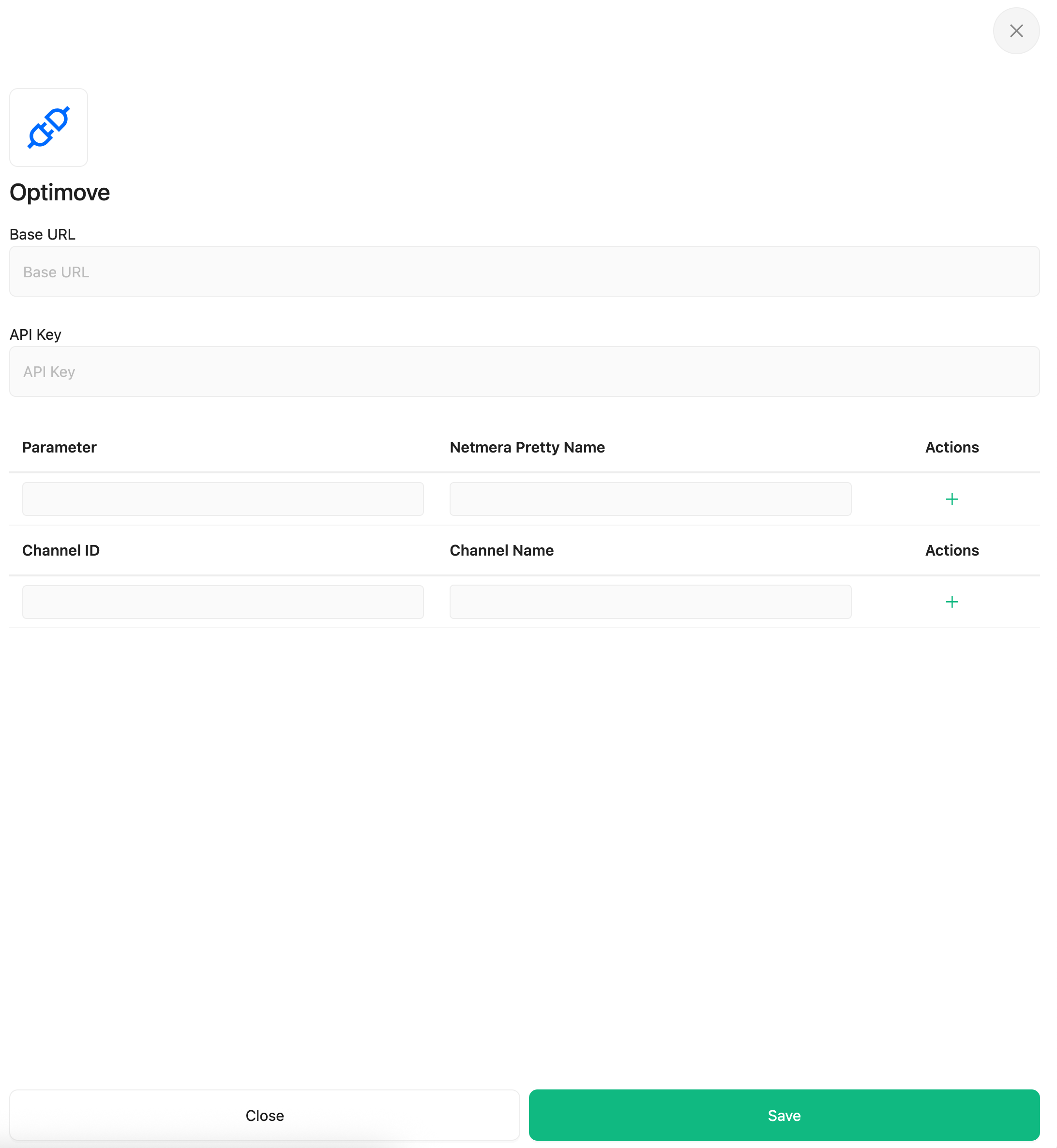
The setup requires Netmera to be provided with the access credentials and internal channel/parameter definitions used within the Optimove system.

Parameter
Type
Description

baseUrl

String

The base URL for the Optimove API endpoint (e.g., https://api.optimove.com).

apiKey

String

The specific API key provided by Optimove for authentication of API requests.

params

List

A list detailing the parameters defined in Optimove (used for synchronization).

channels

List

A list detailing the channels defined in Optimove (used for listener registration).

Setup Instructions

The setup process in Netmera ensures the critical event listeners are registered automatically upon configuration saving.

Step 1: Prerequisites

  1. An active Optimove account with administrative access to API settings.

  2. The Optimove API Key and Base URL.

  3. Pre-defined Channels and Parameters in Optimove that need synchronization with Netmera.

Step 2: Configure in Netmera

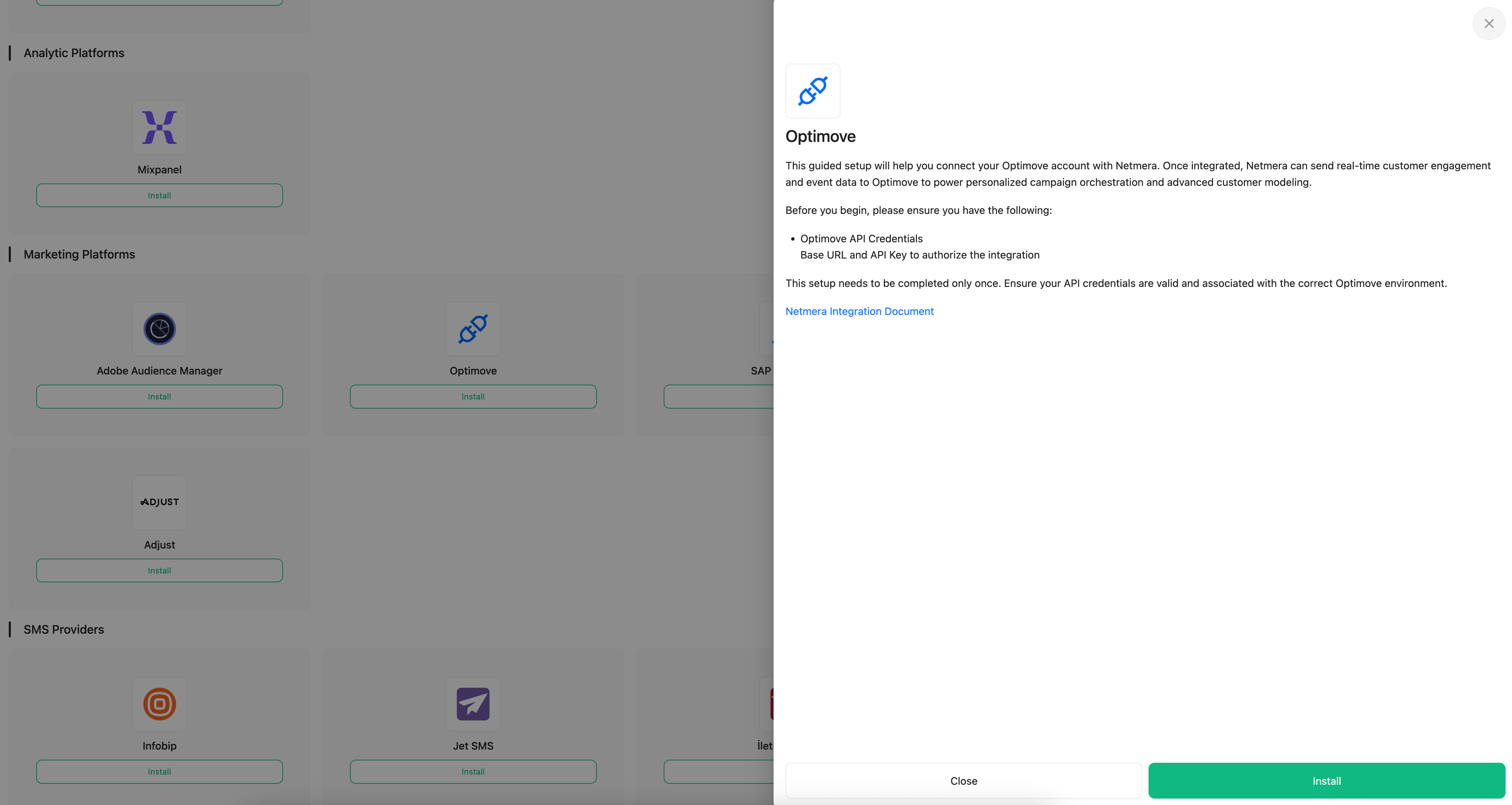
  1. Navigate to the Netmera Control Panel and go to the Connectors (or Integrations) section.

  2. Select the Optimove Connector.

  3. Enter the required configuration details:

    • Input the Base URL and API Key.

    • Configure the Params and Channels lists, mapping the Optimove definitions to Netmera's internal structure.

  4. Click Save Configuration.

Step 3: Automated Listener Registration (Post-Save)

  • Upon saving, the Netmera system automatically initiates the process to register event listeners for all configured channels in the Optimove platform. This enables Optimove to begin sending campaign triggers to Netmera's inbound API endpoint (/optimove/event/{appKey}).

Step 4: Verification (Outbound Data Sync)

  • To enable the reverse flow (Netmera > Optimove), navigate to the Hooks section and create a new Hook.

  • Select Hook Type: OPTIMOVE and define the specific Netmera event (e.g., PURCHASE) or message log you want to synchronize. This ensures customer data is streamed back to Optimove for unified profiling.

Push Event Notification

Whenever you want to send a push notification, notify us by firing an event through Optimove's REST API using the following example command.

circle-info

Make sure to replace the placeholders (your-app-key, your_rest_api_key, your_campaign_id, channel_id) with the actual values relevant to your setup.

Event Type ID and Descriptions

  • 11: Triggered when a single target notification send event is generated from Optimove.

  • 13: Triggered when a bulk notification send event is generated from Optimove.

  • 4: Triggered when a campaign is cancelled on the Optimove side.

User Matching Between Optimove and Netmera

To synchronize users between Optimove and Netmera:

  • Provide Optimove with the Client_ID key.

  • Set the corresponding IDs as external IDs within Netmera.

Usage Notes & Considerations

  • Listener Redundancy: If errors occur during the initial configuration and the event listeners fail to register correctly, the older listener configurations in Optimove might not be automatically removed by Netmera. This may require manual checking and cleanup within the Optimove management panel.

  • Connector Dependency for Hooks: The outbound profile synchronization (Hooks) is entirely dependent on the primary Optimove Connector being configured and in the ACTIVE status. If the connector is inactive, Netmera will not send any attribute updates to Optimove, even if the hook definition exists.

  • Inbound API Requirement: The inbound triggering requires the Netmera environment to be externally accessible to Optimove's servers, specifically on the dedicated /optimove/event/{appKey} endpoint. Network access and security policies must permit this inbound call.

Last updated

Was this helpful?