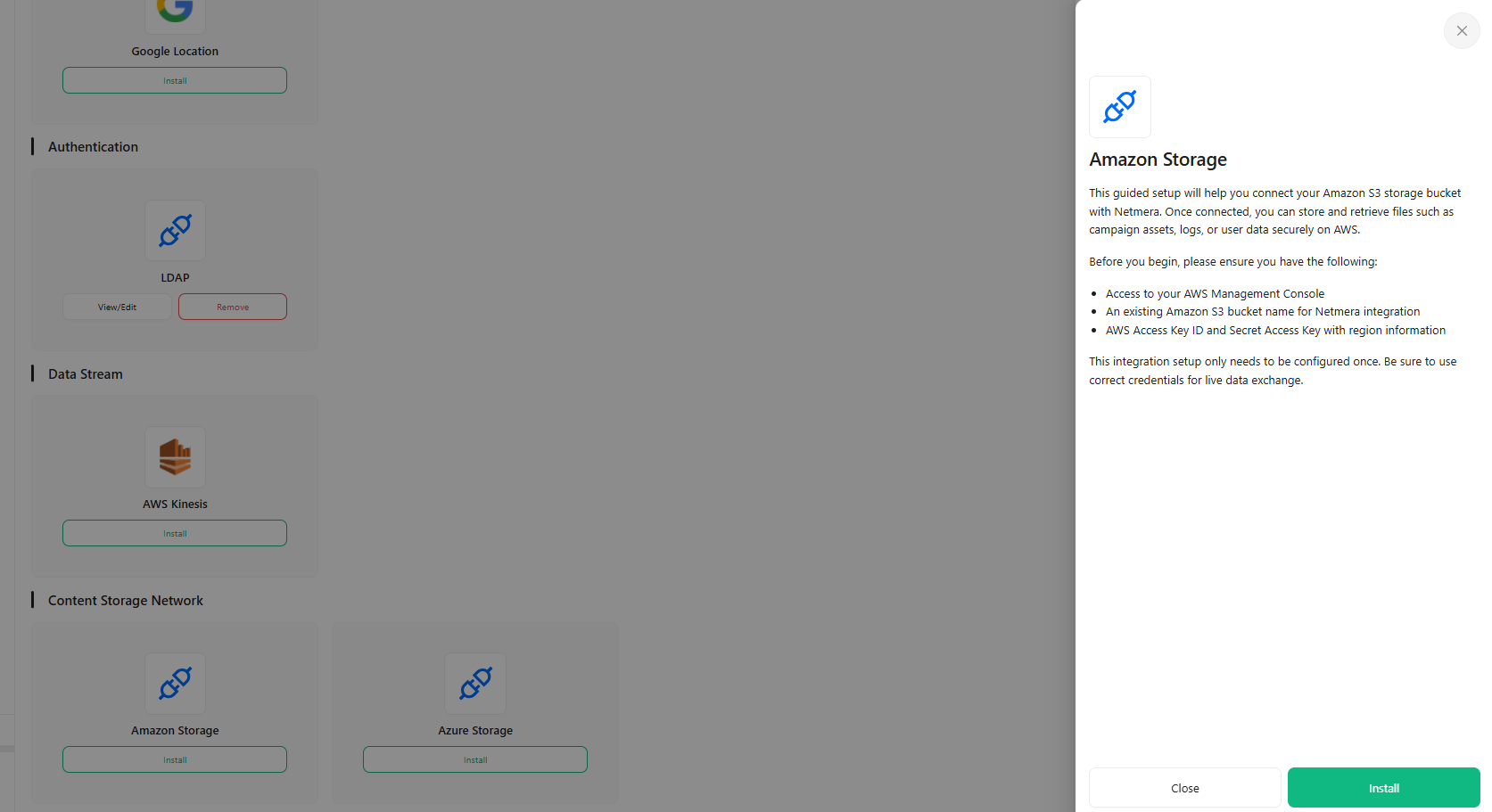
Amazon Storage
The Amazon Storage connector facilitates the integration of Netmera with Amazon S3 (Simple Storage Service), establishing a reliable, scalable cloud storage solution for various assets and media required by the platform.
Overview
Connector Name
Amazon Storage (Amazon S3)
Category
Cloud Depolama Servisi (Cloud Storage Service) / CDN
Provider
Amazon Web Services (AWS)
Primary Function
File storage, backup, and CDN integration for high-volume content delivery.
Netmera Component
CloudStorageAmazon.java class
Data Flow
Outbound (Netmera > Amazon S3) and Bidirectional (as part of CDN/media access)
Precedence
Highest Priority Storage (Used over Azure Storage if both are configured).
This connector is fundamental for handling all media assets associated with messaging campaigns and digital content management within Netmera.

Use Cases and Benefits
The primary role of the Amazon Storage connector is to house and serve media content efficiently.
Messaging Assets and Thumbnails: All visual content uploaded by users when creating messages (for Push Notifications, Email, or SMS) are stored in the configured S3 bucket. This includes full-size images and generated thumbnail versions.
Widget Media: Images used in Netmera's "Widgets" section (e.g., in-app banners, web elements) are uploaded to Amazon S3. The system also supports the automatic conversion of embedded Base64 images within widget HTML content into dedicated S3 URLs.
Email Attachments: Files attached to email messages are first uploaded to Amazon S3 (or Azure Storage, if S3 is inactive) and then referenced during the email sending process via providers like Amazon SES.
Custom Files: Storage of custom files, such as special Font files for rich messaging or web content, is managed through this connector.
The benefit is high availability, massive scalability, and optimized content delivery compared to self-hosted storage solutions.
Data Flow
The data flow is predominantly Outbound regarding file transfer from Netmera's server environment to the cloud, but the resulting assets are subsequently retrieved by user devices or email servers (Inbound traffic to the CDN/storage).
Trigger: A user action, such as uploading an image in the Message Creation panel, saving a widget, or adding an attachment, triggers the file upload process.
API Submission: Netmera authenticates using the accessKey and secretKey and performs a secure API request to upload the file to the specified bucketName in the chosen region.
URL Generation: Upon successful upload, Netmera generates the permanent CDN URL, which is then embedded in the message payload or user interface element.
If Amazon S3 configuration is absent or inactive, the system automatically attempts to use the Azure Storage connector as a fallback.
Configuration Reference

Configuration requires standard AWS credentials and specific S3 resource identifiers:
accessKey
String
The AWS IAM user's Access Key ID.
secretKey
String
The AWS IAM user's Secret Access Key.
bucketName
String
The unique name of the S3 bucket where Netmera will store files.
region
String
The AWS region where the S3 bucket is located (e.g., "eu-west-1").
These credentials must grant the necessary permissions for the Netmera application to read and write data to the specified bucket.
Setup Instructions
Setting up Amazon Storage involves configuring IAM and S3 within the AWS Console before updating Netmera.
Prerequisites (AWS): Create an AWS account, establish an IAM user with "Programmatic access," and grant permissions (e.g.,
AmazonS3FullAccess) to interact with S3. Create the S3 bucket to be used for storage.Obtain Credentials: Retrieve the Access Key ID, Secret Access Key, the Bucket Name, and the AWS Region of the bucket.
Configure in Netmera: Navigate to the Netmera Control Panel, select the Amazon Storage connector.
Input Data: Input the required accessKey, secretKey, bucketName, and region into the configuration form.
Verification: Utilize the dedicated "Test Connection" button on the configuration page to verify that the provided credentials allow Netmera to successfully connect to and access the S3 bucket.
Save: Save the configuration to activate the storage connector.
Usage Notes & Considerations
Credential Dependency: The connector relies entirely on the static
accessKeyandsecretKey. Any changes or revocation of these keys in the AWS console will immediately halt all asset uploads and CDN URL access until manually updated in Netmera.IAM Permissions: Incorrectly configured IAM policies (e.g., restricted access to only certain prefixes or buckets) can lead to upload failures or access issues.
Test Connection Feature: While most connectors lack real-time connection checks, Amazon Storage is one of the few integration points (along with SetRow) that provides a "Test Connection" button, which is essential for pre-flight verification.
Last updated
Was this helpful?